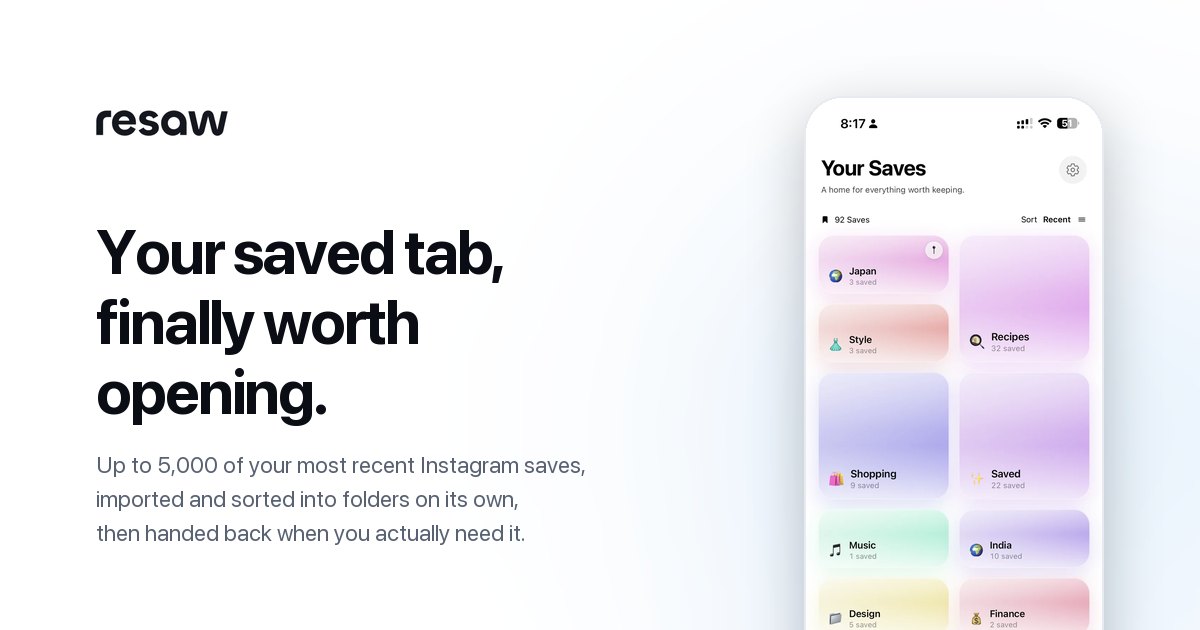
resaw is a free iPhone app that turns the reels, posts and links you save into folders you can search.
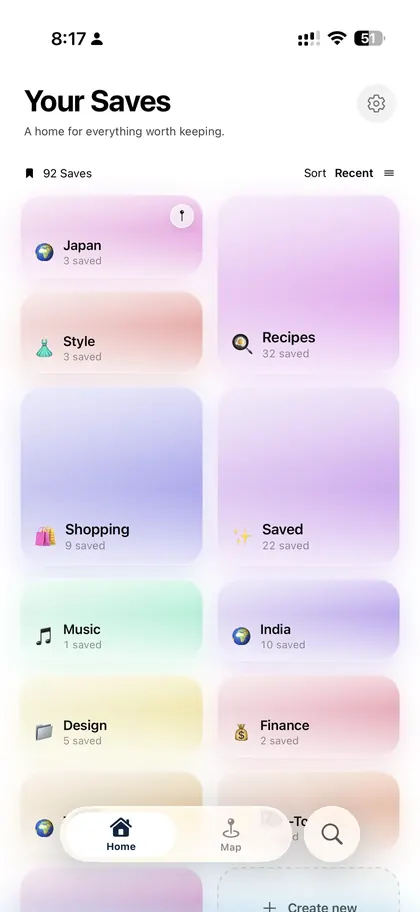
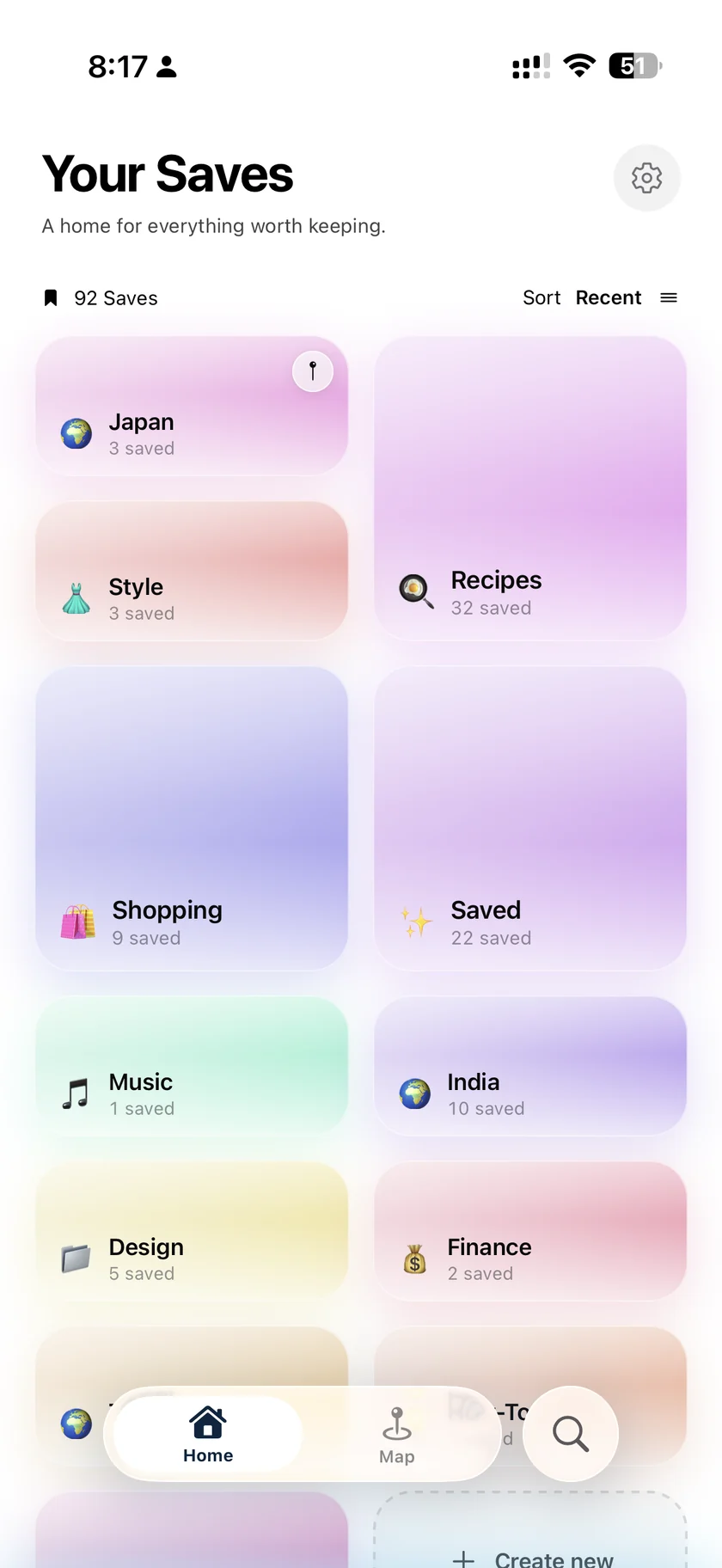
resaw is a free iPhone app for the things people save and never find again. It imports your whole Instagram saved history from Meta's own data export, takes new saves from any app through the iOS share sheet, sorts everything into folders on its own, and makes every recipe, place and idea searchable.
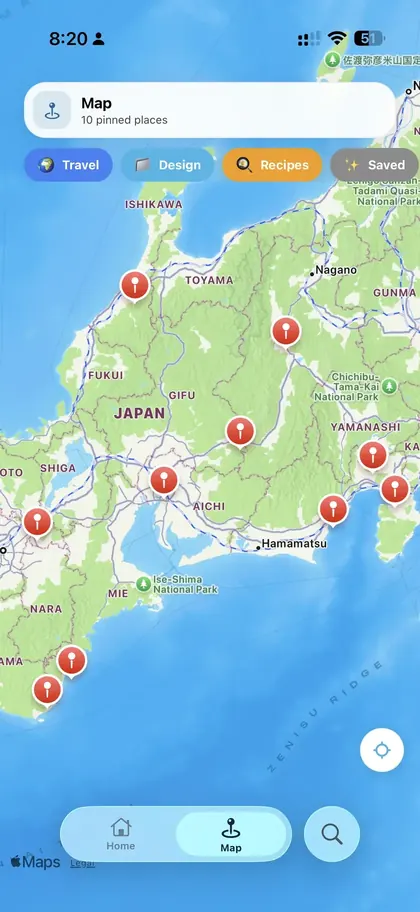
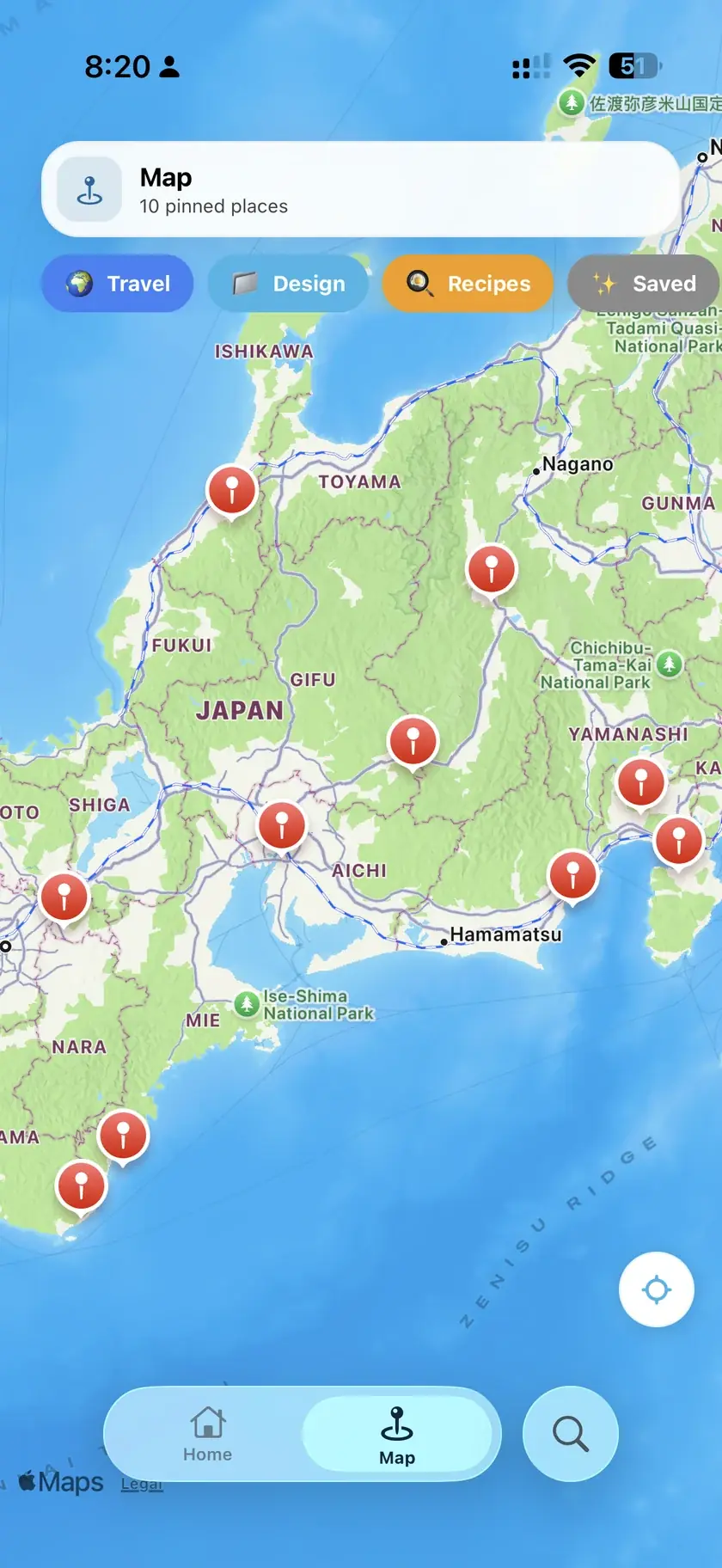
The Instagram saved tab is where recipes, restaurants and ideas pile up unused, with no search and no way to sort them. resaw reads the saved posts file from your own Instagram data export, so it never asks for an Instagram password, and turns your whole saved history into a collection with real titles, tags and folders. After that, anything shared to it from TikTok, YouTube, Facebook or the web joins the same collection. Recipe reels become step-by-step cook-alongs, places land on a map, and you can ask questions of your own saves in plain language. resaw is free on iPhone and is built by Tanmay Patel, an independent developer in Mumbai, India.
| Name | resaw, always written in lowercase |
|---|---|
| What it is | A productivity app for saving and finding reels, posts and links |
| Platform | iPhone, iOS 17 or later. Not available on Android. |
| Price | Free to use |
| Available | On the App Store since August 2026 |
| Language | English |
| Made by | Tanmay Patel, independent developer, Mumbai, India (LinkedIn) |
| Website | resaw.app |
| Contact | hello@resaw.app |
saved_posts file from your own Instagram data export and imports your whole saved history.resaw is built and run by Tanmay Patel, an independent developer based in Mumbai, India. He started it as a tool to read the Instagram data export and turn hundreds of anonymous bookmarks into a collection with real titles, folders and a search bar. There is no company behind it beyond that. More on the about page and on his LinkedIn profile.
Please use these files as provided, write resaw in lowercase, and link to resaw.app or the App Store listing when you mention the app.
If you are writing about saved posts more broadly, these pages explain the problem without needing resaw: how to export Instagram saved posts, how to find saved posts on Instagram, and the free Instagram saved posts viewer, which opens the export file in a browser without uploading it.